第一步:在redis配置文件开启EX扩展,notify-keyspace-events Ex,如果是windows服务器redis配置文件是redis.windows.conf文件,把notify-keyspace-events Ex放开就行了
第二步:添加代码,新建一个redis类:application\common\library\RedisEx.php,RedisEx.php自己随意命名,代码如下:
<?php
/**

 * Createsd by PhpStrom
 * User Fuzhenzhuo
 * mail 309657536@qq.com
 * Date 2020/8/11
 * Time 10:40
 */

namespace app\common\library;

use think\cache;

class RedisEx
{
    public function __construct()
    {
        ini_set('default_socket_timeout', -1);

        $redis = Cache::store('redis')->handler();

        $this->redis = $redis;

    }

    public function setEx($key, $time, $val)
    {

        return $this->redis->setEx($key, $time, $val);
    }

    public function set($key, $val)
    {
        return $this->redis->set($key, $val);
    }

    public function get($key)
    {
        return $this->redis->get($key);
    }

    public function expire($key = null, $time = 0)
    {
        return $this->redis->expire($key, $time);
    }

    public function psubscribe($patterns = array(), $callback)
    {
        $this->redis->psubscribe($patterns, $callback);
    }

    public function setOption()
    {
        $this->redis->setOption(\Redis::OPT_READ_TIMEOUT, -1);
    }

    public function psCallback($redis,$pattern, $chan, $msg)
    {
        echo "Pattern: $pattern\n";
        echo "Channel: $chan\n";
        echo "Payload: $msg\n\n";
    }

}
把tp的缓存配置文件修改一下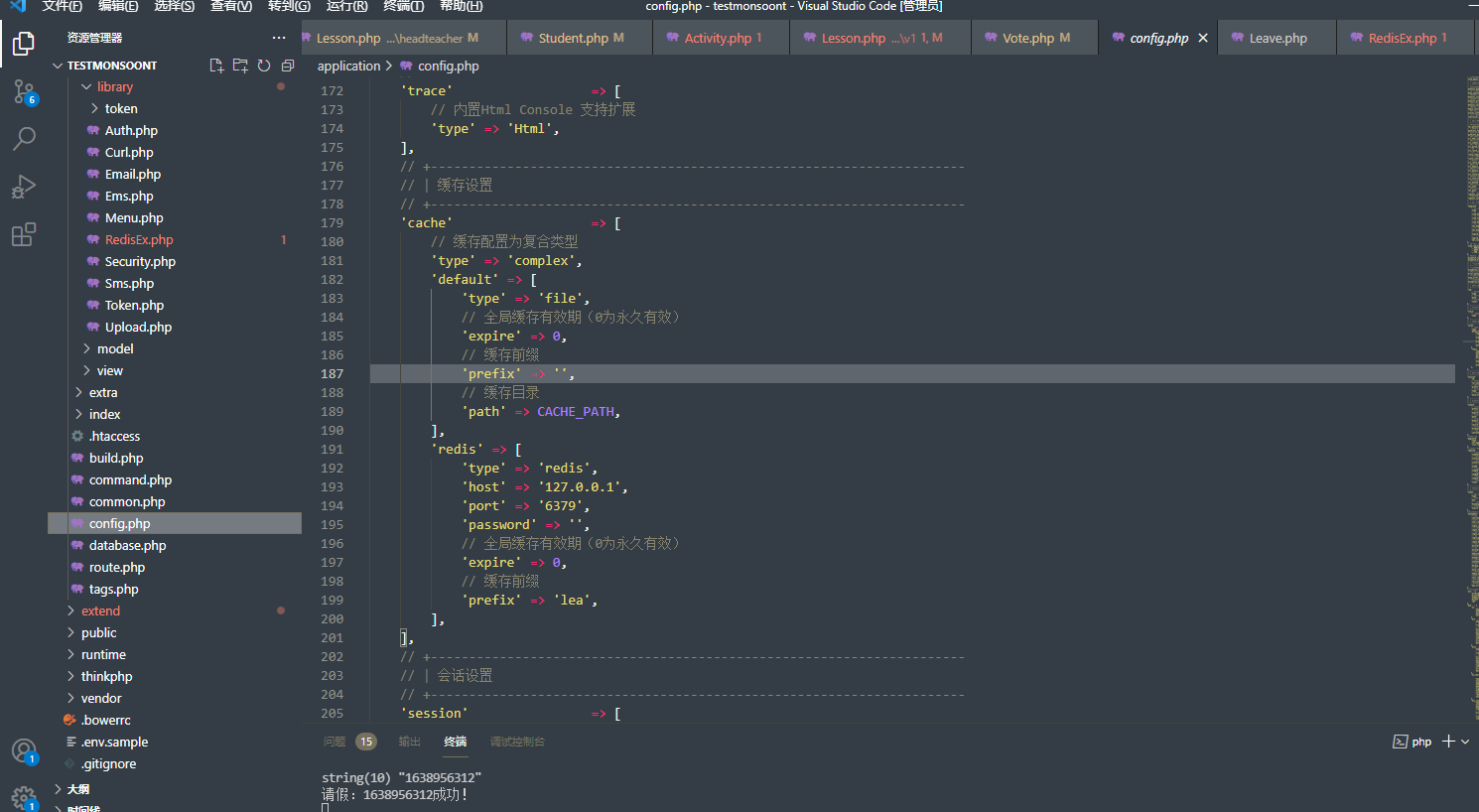
<?php
// +----------------------------------------------------------------------
// | ThinkPHP [ WE CAN DO IT JUST THINK ]
// +----------------------------------------------------------------------
// | Copyright (c) 2006-2016 http://thinkphp.cn All rights reserved.
// +----------------------------------------------------------------------
// | Licensed ( http://www.apache.org/licenses/LICENSE-2.0 )
// +----------------------------------------------------------------------
// | Author: yunwuxin <448901948@qq.com>
// +----------------------------------------------------------------------

return [
    'app\admin\command\Crud',
    'app\admin\command\Menu',
    'app\admin\command\Install',
    'app\admin\command\Min',
    'app\admin\command\Addon',
    'app\admin\command\Api',
    'leave'=>'app\common\command\Leave',//新增
];第三步:新建application\common\command\Leave.php,代码如下:
<?php
/**

 * Createsd by PhpStrom
 * User Fuzhenzhuo
 * mail 309657536@qq.com
 * Date 2020/8/11
 * Time 11:53
 */

namespace app\common\command;

use app\common\library\RedisEx;
use think\console\Command;
use think\console\Input;
use think\console\Output;


class Leave extends Command
{
    //命令描述
    protected function configure()
    {
        $this->setName('leave')->setDescription('Leave');
    }

    protected function execute(Input $input, Output $output)
    {

        $redis = new RedisEx();

        $redis->setOption();

        $redis->psubscribe(array('__keyevent@0__:expired'), array($this, 'psubscribe'));//调用下面的psubscribe方法
    }

    /**
     * @throws \think\db\exception\DataNotFoundException
     * @throws \think\db\exception\ModelNotFoundException
     * @throws \think\exception\DbException
     * 业务逻辑代码在该方法执行
     */
    public function psubscribe($redis, $pattern, $chan, $msg)
    {

        //编写自己的逻辑代码

        var_dump($redis,$pattern,$chan,$msg);

       $info = \db('ceshi')->insert(['content'=>$msg]);
        if ($info) {
            echo "请假:" . $msg . '成功!' . PHP_EOL;
        } else {
            echo "请假:" . $msg . '失败!' . PHP_EOL;
        }
    }
}
方便使用我们可以写成一个方法
<?php
namespace app\api\controller\v1;

use app\common\controller\Api;
// use app\common\model\Join;
// use app\common\model\SlowRide;
use think\Cache;
// use function Matrix\diagonal;

class Vote extends Api
{

    protected $noNeedLogin = ['lists', 'index', 'userDetail','slowRide','redisExMsg'];
    protected $noNeedRight = ['UserVote', 'ranking'];


    public function redisExMsg()
    {
        $redis = Cache::store('redis')->handler();
        $time = time();
        $redis->setEx($time, '5', 'R12324124124');
        $this->success('',$time);
    }
}
第四步:建了一个 “leave”命令,重点是execute()方法,redis的psubscribe监听 “0”这个数据库,有 key "expired"(过期)就执行后面的回调方法,在回调方法里可以使用curl方式调用写好的接口,功能逻辑有变动也不需要修改这里命令行的代码,$msg参数就是过期的键名,在我这里就应该是存放的是某个项目的id。
第四步:在项目根目录,先php think查看是有已有“leave”这个命令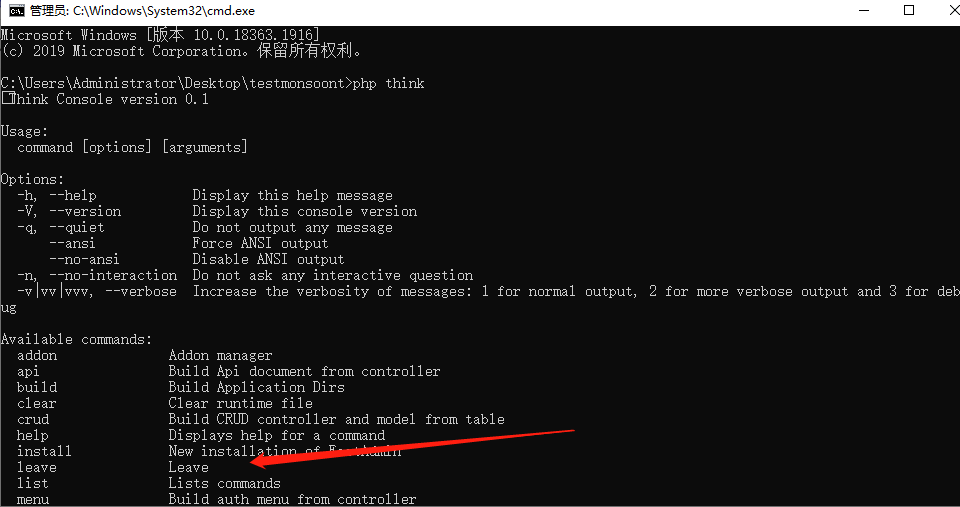
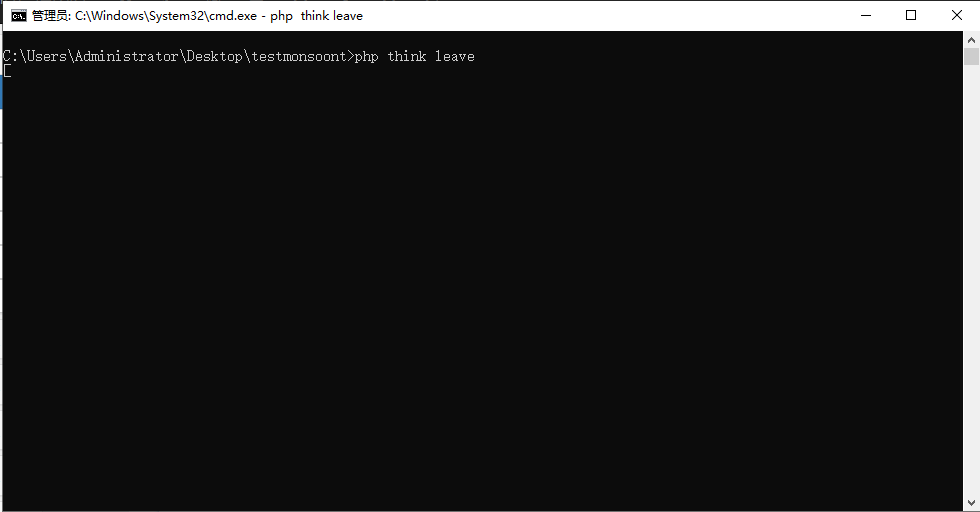
扩展资料:
1.打开CMD执行redis-cli后在执行 config set notify-keyspace-events Ex
2.打开CMD执行redis-cli,在执行PSUBSCRIBE __keyevent@0__:expired
3.打开CMD执行redis-cli,在执行setex t_key 2 t_value(也是是延迟两秒后执行)
https://blog.csdn.net/weixin_44006267/article/details/104406826
如图: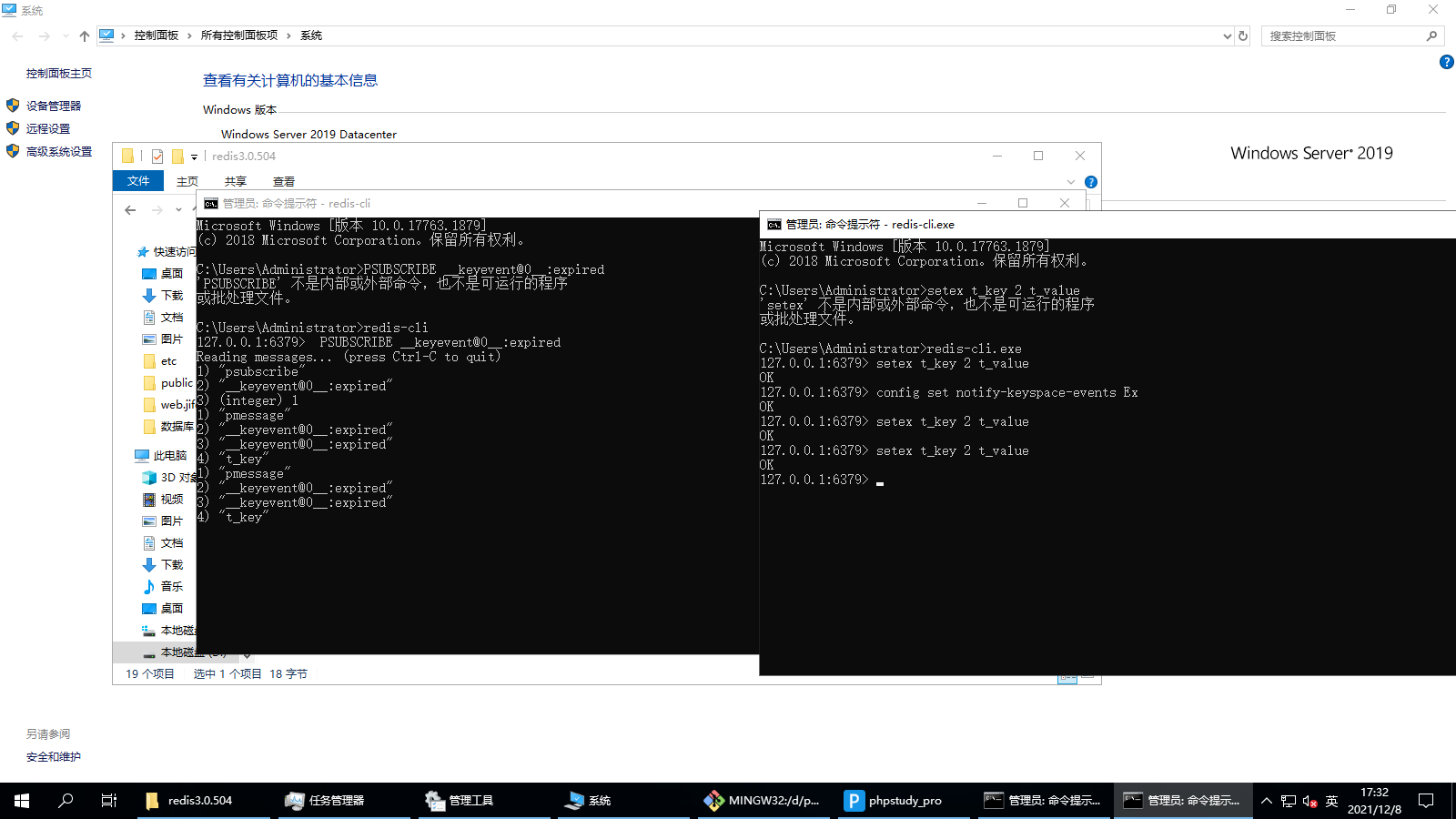
重要提醒:
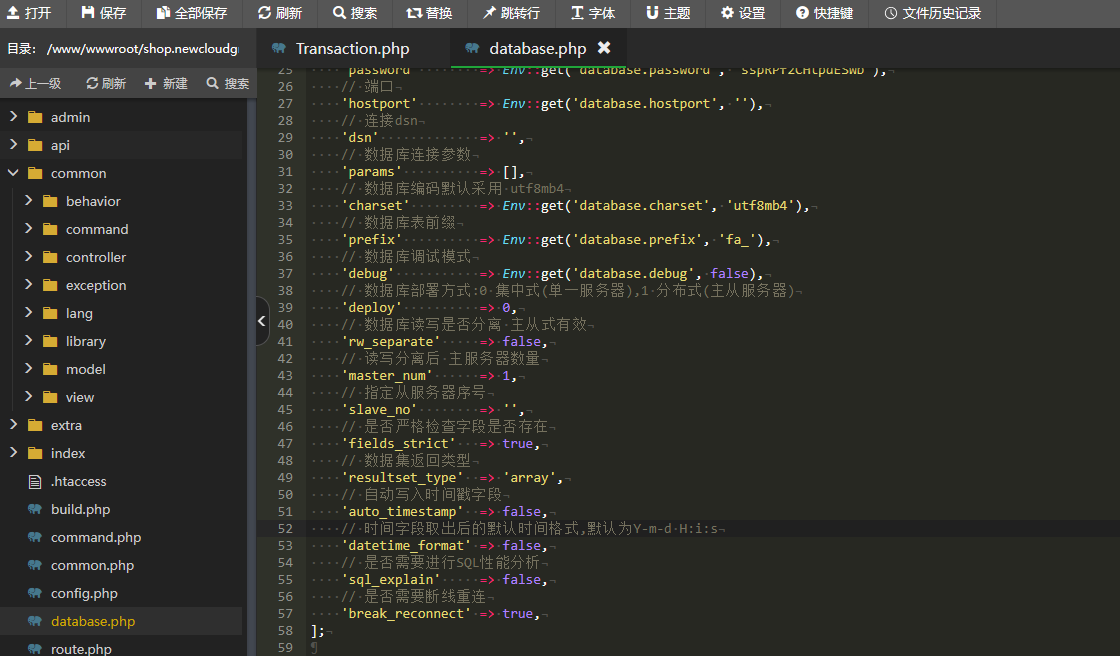
如何消息订阅中有使用数据库模型,有时候会中断,需要在database.php添加一行
// 是否需要断线重连
    'break_reconnect' => true